How to use a random finger picker for 2–5 people
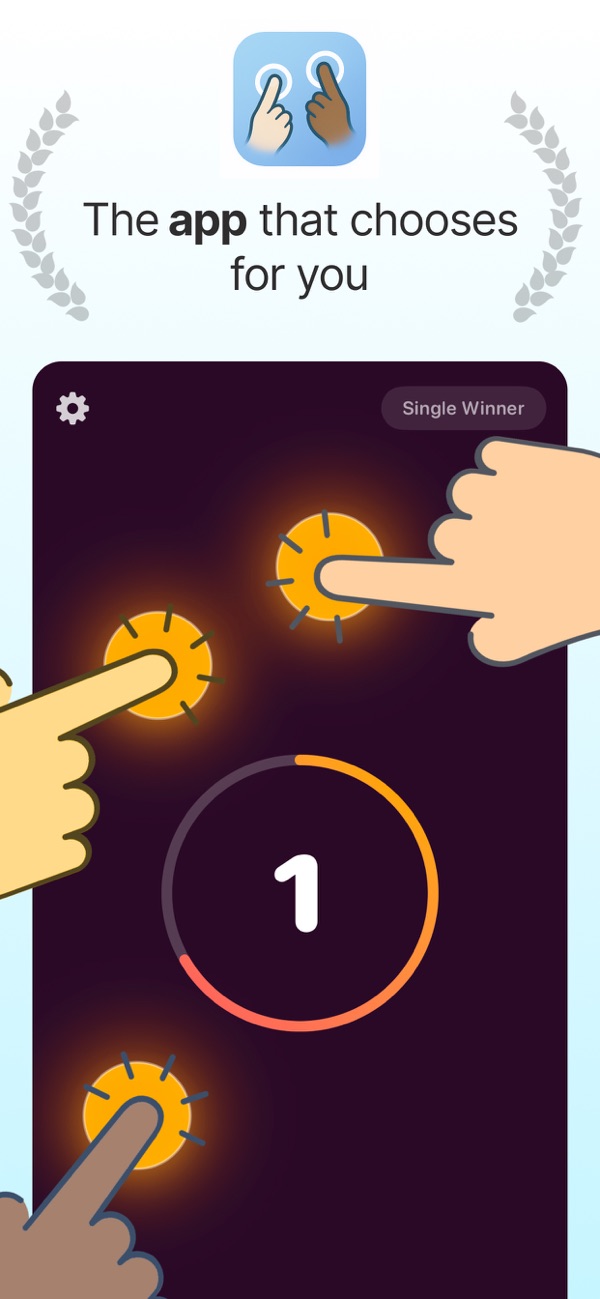
Choose who goes first with Finger Picker Chooser. Set the rule, place 2–5 fingers and use single- or multi-winner selection.
Quick answer
Agree what the selection will decide, choose single- or multi-winner mode, and have each participant place one finger on the screen. Finger Picker Chooser supports two to five simultaneous fingers.
Step by step
Agree on the rule before starting
Decide whether you are choosing one person to start a game or several winners. Make sure everyone understands the outcome. For a casual turn order, agree whether a selected person leaves the next round.
Choose the winner mode
Open Finger Picker Chooser and select the single- or multi-winner option that matches the decision. The group should decide the mode before seeing any result.
Place one finger per participant
Two to five people place their fingers on the screen. Keep fingers separated so the device can register distinct contacts. If the group has more than five participants, choose another selection method rather than giving some people extra chances.
Accept the result and continue
Use the selected result for the agreed decision. Restart only for an agreed technical problem, such as a missed touch. Repeating the draw until a preferred person wins changes the rule.
Example: choosing who starts a board game
Four players agree on a single winner, each places one finger and the selected player takes the first turn. Continue around the table using the game rules. There is no need to draw a new winner for every turn.
Before you use the result
This is a casual group-choice tool, not an audited lottery system. A multi-winner draw selects people; it does not by itself assign balanced teams or account for skill levels.